
Avery 5909 1" x 4" White Address Labels Template
1" x 4" White Address Labels · 1" x 4" · 20 labels per sheet
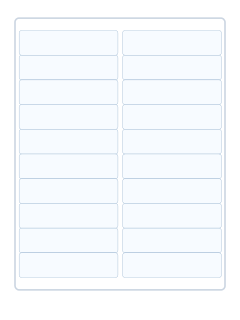
Format information
- Category
- Address & Shipping Labels
- Label dimensions
- 1" x 4"
- Labels per sheet
- 20
- Sheet size
- US Letter — 8.5" × 11" (PDF)
- Material/color
- White
- Page measurements
- 215.9 × 279.4 mm
Editable sheet
Use the sheet measurements for your design. For reliable alignment, print at 100% scale and test against your stock.
Buy compatible label sheets
Check the product number, label size, printer compatibility, and pack size before ordering.

Independent tool; not endorsed by Avery or Amazon. Verify the stock number and size before ordering.
Compatible Avery templates
Avery lists these template numbers as compatible. Check the exact product and sheet format before printing.
Avery product listings
Retail products matched by Avery product number or the manufacturer's compatibility list. Check dimensions and stock before purchasing.
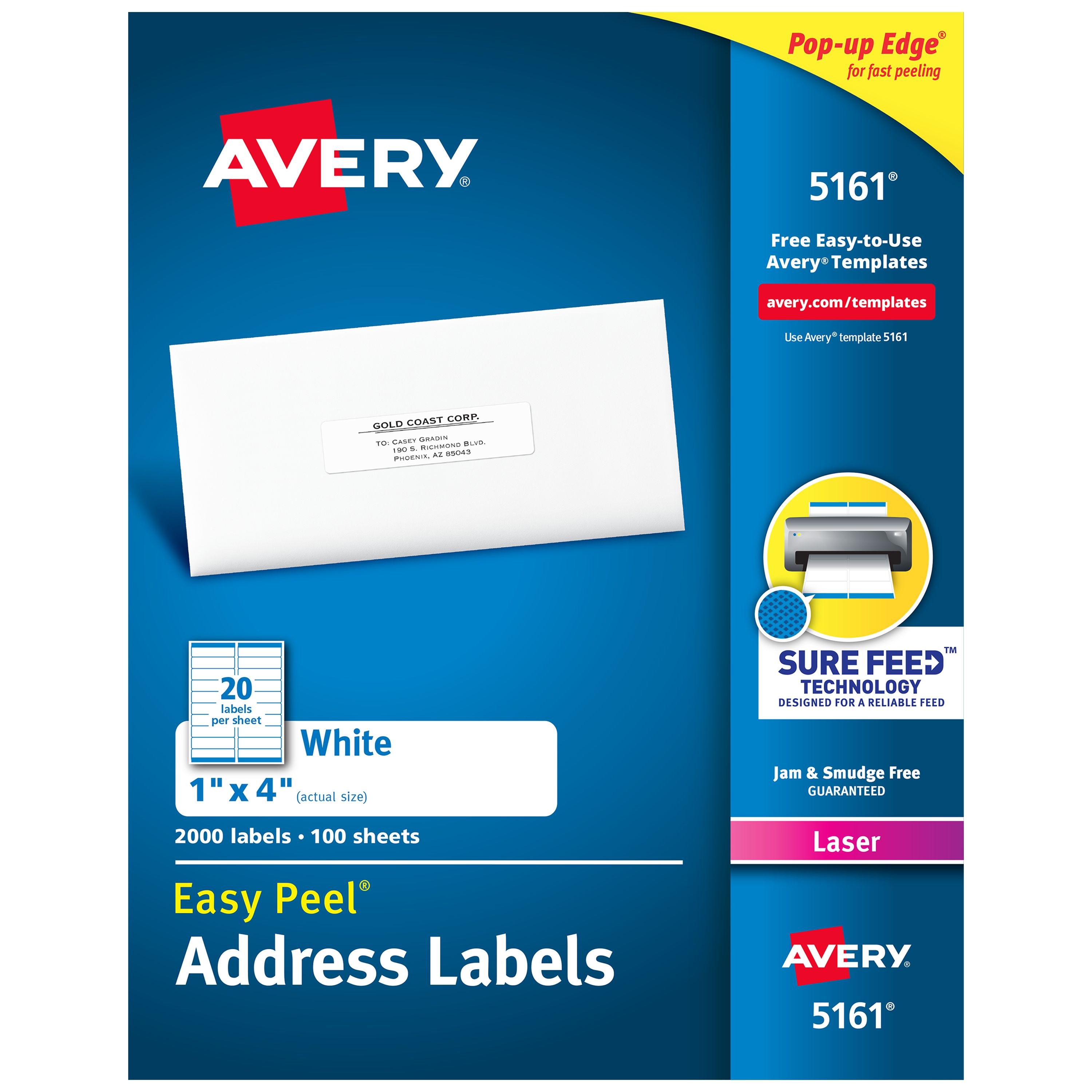 Easy Peel® Address Labels with Sure Feed 5161Avery product #5161View product ↗
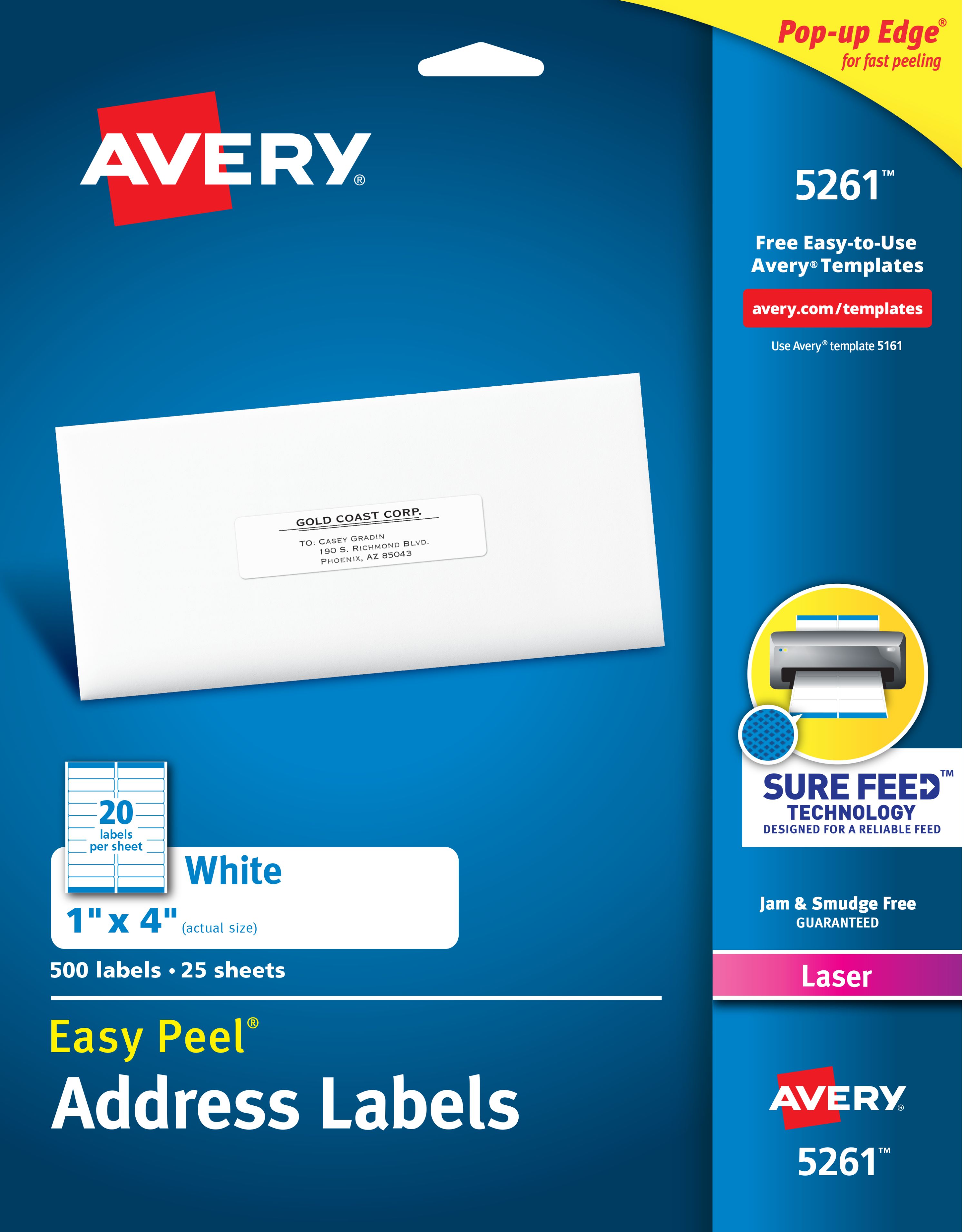 Easy Peel® Address Labels with Sure Feed 5261Avery product #5261View product ↗
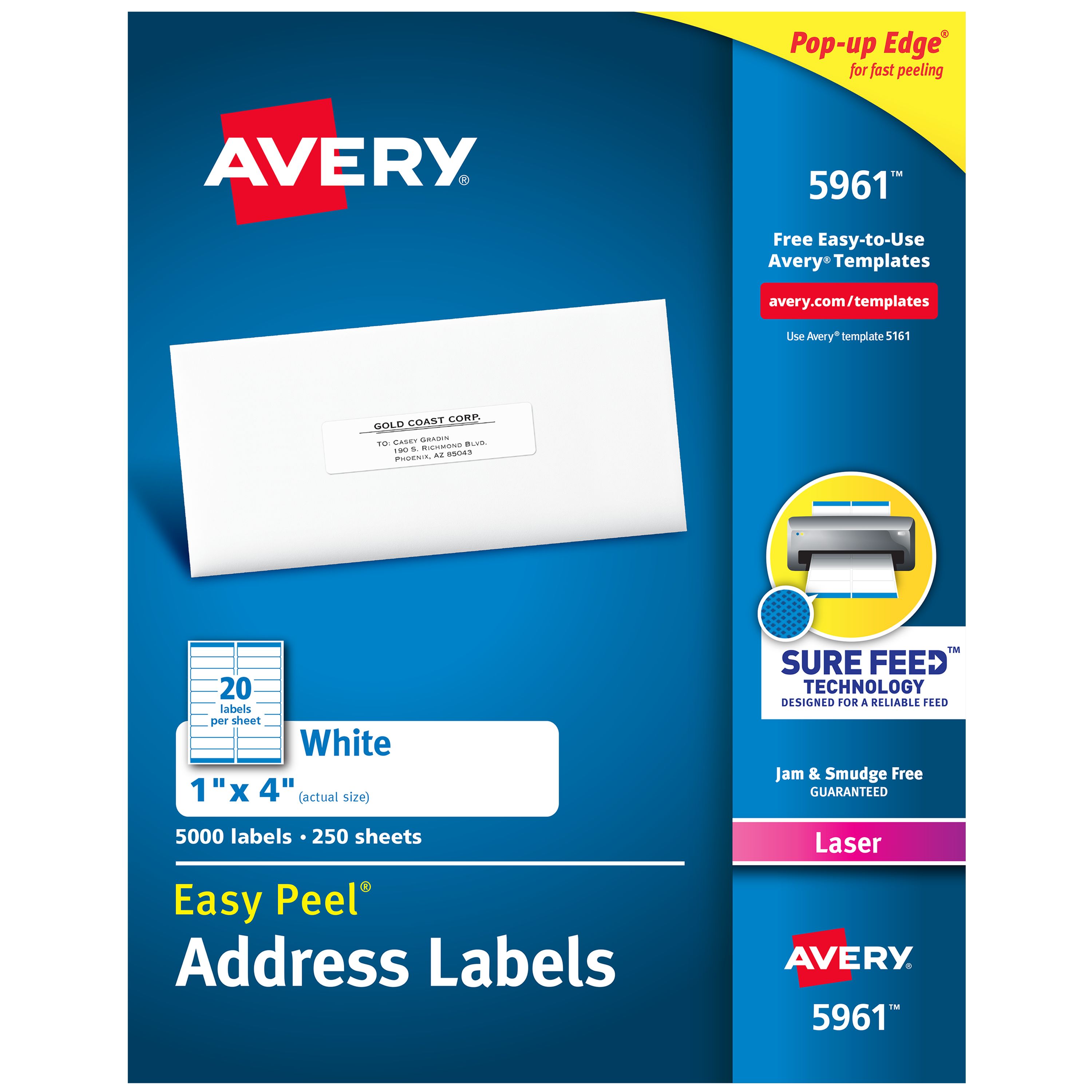 Easy Peel® Address Labels with Sure Feed 5961Avery product #5961View product ↗
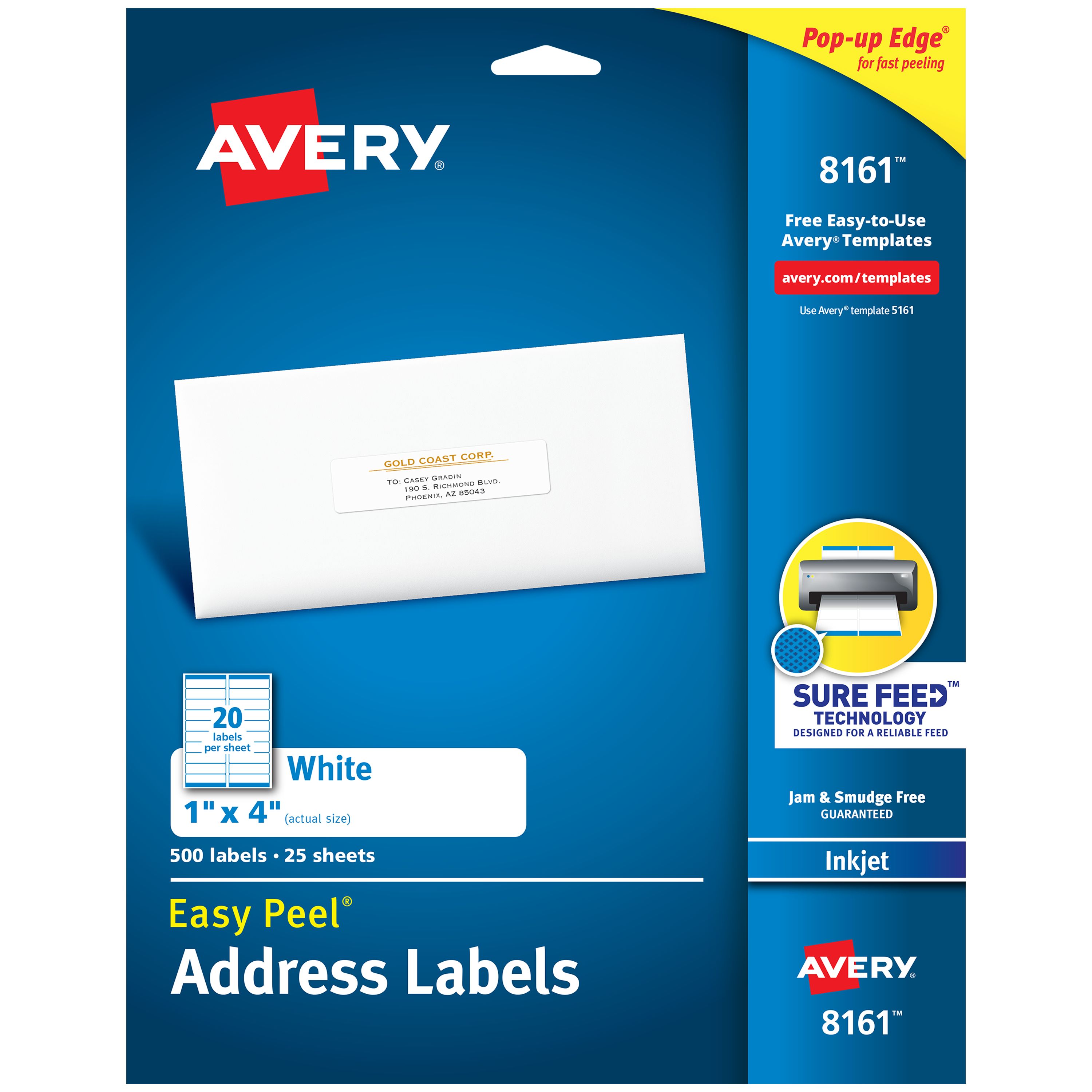 Easy Peel® Address Labels with Sure Feed 8161Avery product #8161View product ↗
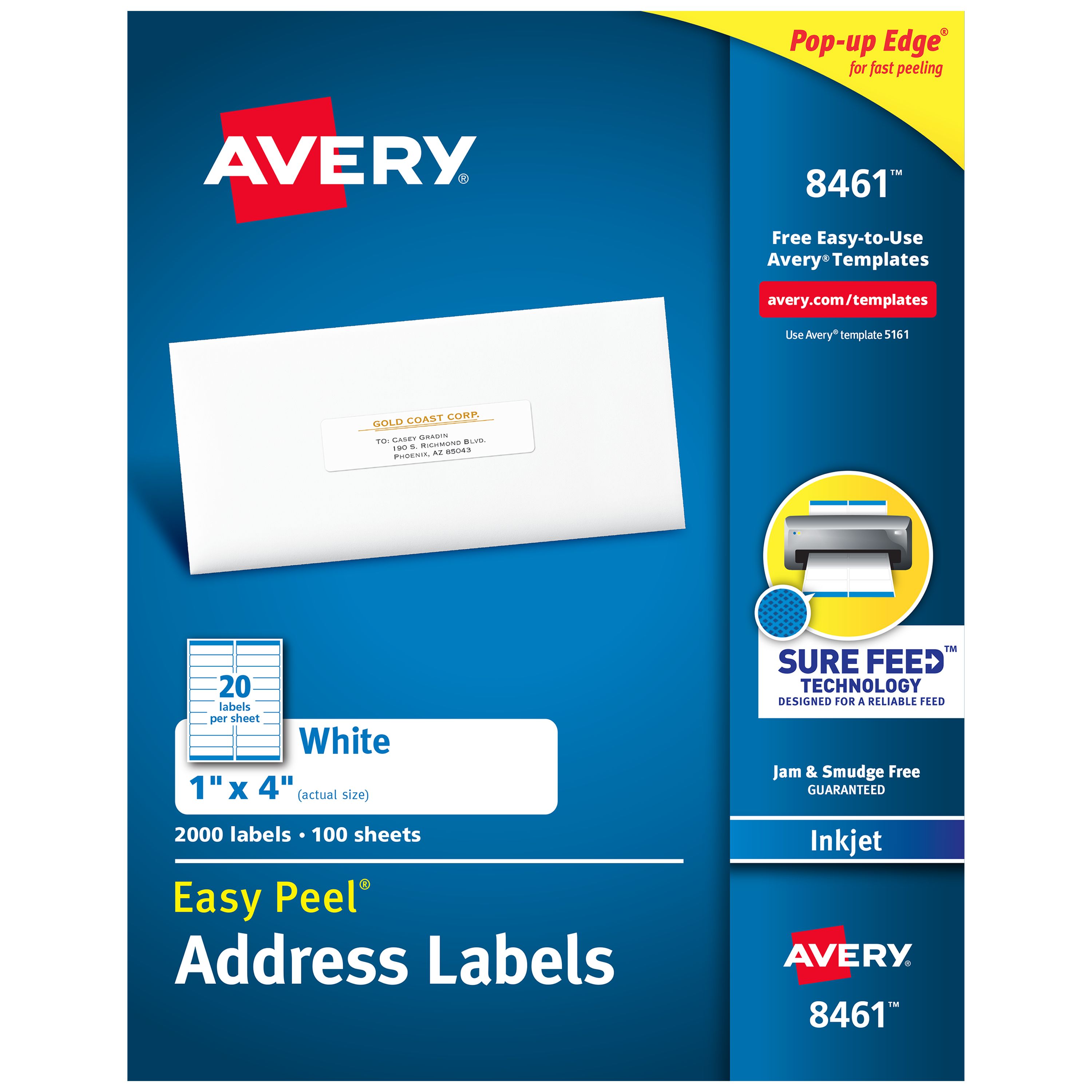 Easy Peel® Address Labels with Sure Feed 8461Avery product #8461View product ↗
About Avery 5909
The Avery 5909 template is for 1" x 4" white address labels measuring 1" x 4". It contains 20 labels per sheet on Letter - 8-1/2" x 11". It's a useful starting point for mailing envelopes, invitations, and correspondence.
The listed material/color is White. Check that complete addresses fit inside each label. Before using pre-cut label stock, print a test sheet at 100% scale and check the alignment against the actual labels.
Frequently asked questions
What size is Avery 5909?
The listed label size is 1" x 4". Refer to the sheet preview for its orientation and page layout.
How many labels are on a sheet?
This format has 20 labels per sheet.
How should I test print alignment?
Print at 100% (actual size) on plain paper, then compare it against the label stock before printing multiple sheets.